Cart
Cart


How to Navigate the InstaShow+ App: Your Complete Visitor Guide
Learn how to set up your InstaShow+ account and start managing property tours seamlessly. This step-by-step guide covers everything from identity verification to listing properties.

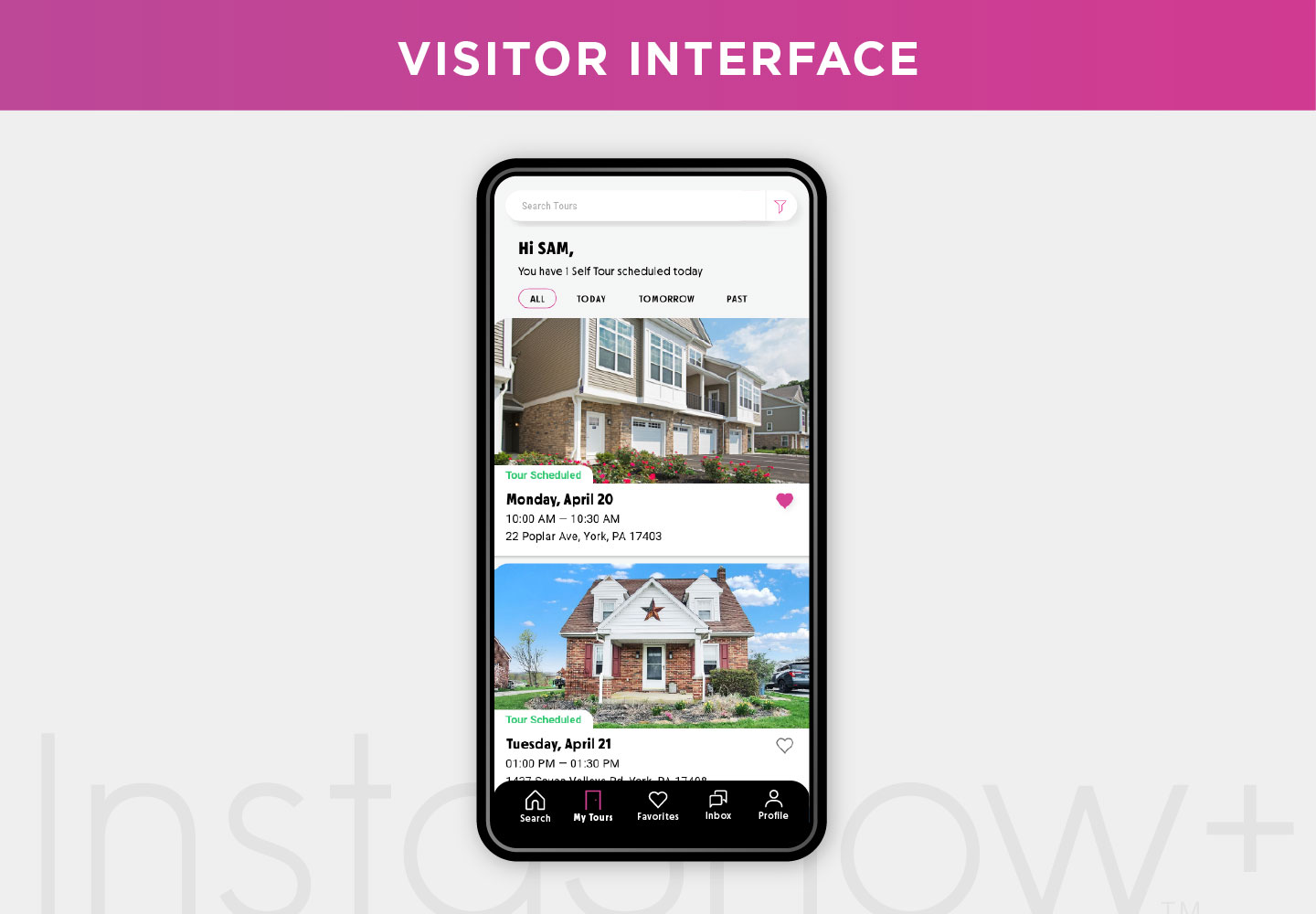
How to Navigate the InstaShow+ App: A Quick Guide for Visitors
Looking for your next home or investment property? The InstaShow+ app puts all the tools you need right at your fingertips. Whether you’re casually browsing or actively scheduling tours, this guide will help you navigate the app with confidence and ease.
1) Search Tab
Start with the Search tab. You can look for properties in a few different ways:
- Explore by map or list
- Type directly into the search bar
Want more details? There’s an overview video available for a full walkthrough.
2) Tours Tab
Head to the Tours tab to keep track of your viewing activity. Here you’ll find:
- Scheduled tours
- Tours in progress
- Completed tours
Everything is organized so you always know what’s next.
3) Favorites Tab
See something you love? Tap the heart icon to save it to your Favorites. This makes it easy to revisit properties you like and compare options later.
4) Inbox Tab
Stay connected with the Inbox tab. Here you can message property owners directly and get real-time updates and important info.
5) Settings Tab
Customize your experience with the Settings tab. Here, you can:
- Update personal info
- Switch between listing and touring modes
- Manage your team
- Find help quickly
For more tips on using advanced features, be sure to check out the toggle feature video.
That’s it—you’re now ready to navigate the InstaShow+ app like a pro! With its intuitive design and powerful features, InstaShow+ makes every step of your property journey smoother. Download the app, dive in, and take control of your next real estate move.
Stay up to date
Get the latest articles delivered to your inbox




Maximize your day in real estate with InstaShow+
Download the InstaShow+ App
Find everything you need for buying, selling and renting property in the InstaShow+ App!