Cart
Cart


How to Take Your First InstaShow+ Property Tour
New to InstaShow+? Learn how to take your first self-guided property tour with this step-by-step guide—from verification to unlocking the door.

1. Set Up Your Account
Once your account is created and verified, you’re ready to start touring properties.
2. Enable Location Services
Before scheduling or starting a tour, be sure to enable location services on your device. This ensures you can see nearby properties and access location-specific features.
3. Explore the Map View
With location services turned on, you’ll see available properties in your area on the map. From here, you can schedule a tour—or start one immediately.
4. Select ‘See It Now’
If you’re already at a property and ready to tour, tap See It Now to begin your InstaShow.
Note: Some listings may require tokens for access.
5. Choose Your Tour Type
Next, you’ll choose between Agent with Prospect or Individual. For self-guided tours, select Individual.
6. Start Your Tour
Tap Start Tour to begin the process.
7. Complete Selfie Verification
To confirm your identity, you’ll be prompted to take a quick selfie. Once verified, you’ll move on to the next step.
8. Review Access Instructions
You’ll now see any specific access instructions provided by the listing agent. These help ensure a smooth entry.
9. View Lock Location
Photos will show you exactly where to find the lock. Once located, tap Yes to continue.
10. Agree to Property Guidelines
Before entering, agree to the Respect the Property terms by tapping I Agree.
11. Unlock the Property
To unlock the door:
- Wake the lock by pressing a button or keypad.
- Tap Connect in the app.
- Wait for confirmation, then access will be granted.
Note: Instructions may vary slightly by lock model.
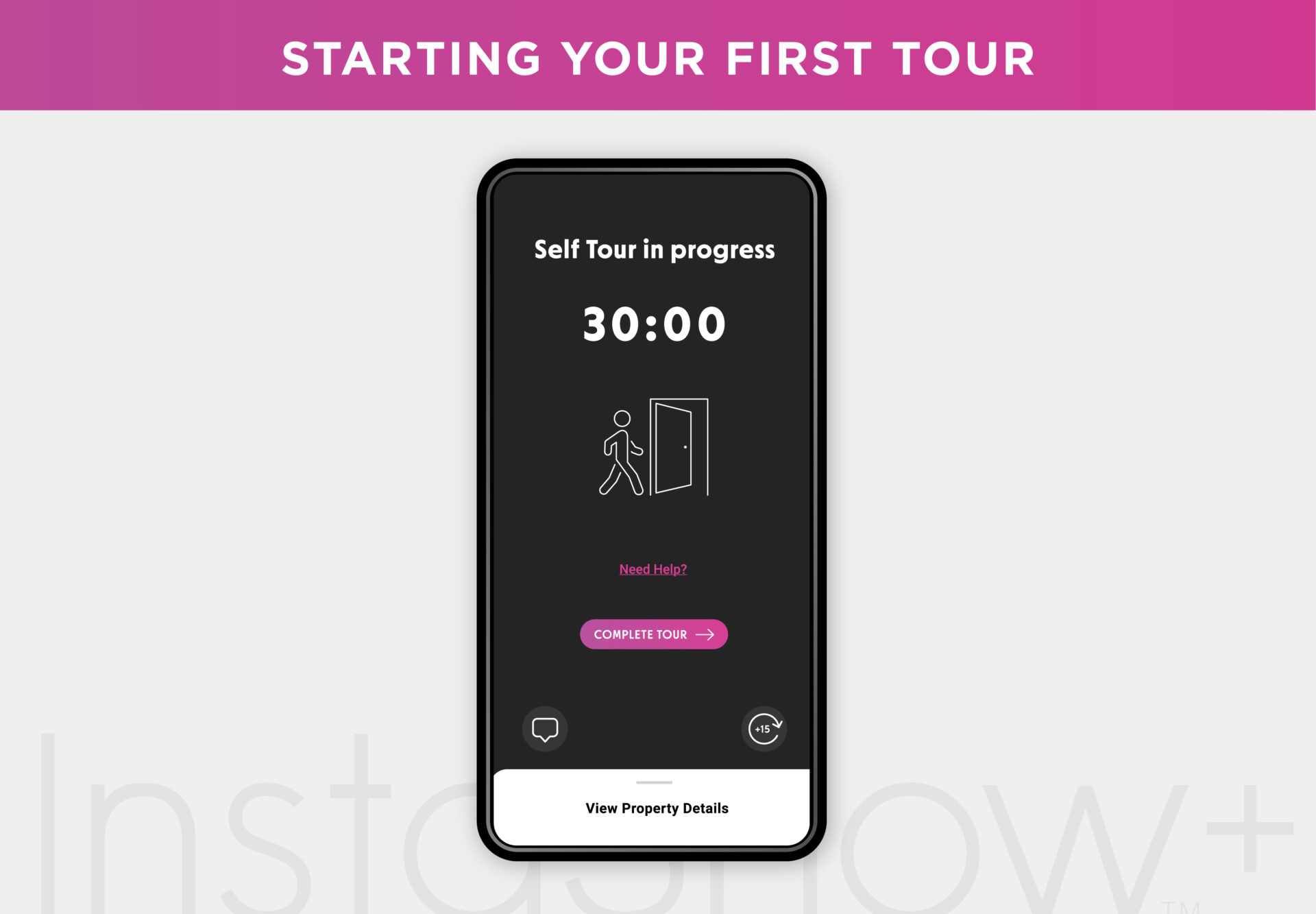
12. Tour in Progress
Your InstaShow is now active. If you finish early, tap Complete Tour. Need more time? Tap the timer icon to extend—if no tour conflict exists.
13. Exit Instructions & Feedback
Once your tour ends, you’ll receive any exit instructions and a quick feedback form. Tap Continue to move on.
14. Final Notes
Some listings may include additional information before wrap-up. Tap Continue and—just like that—you’ve completed your first InstaShow+ tour!
Ready for Your Next Tour?
With InstaShow+, you’re in control of the touring experience—wherever, whenever. Download the app and explore listings on your terms.
Stay up to date
Get the latest articles delivered to your inbox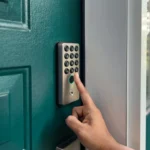





Maximize your day in real estate with InstaShow+
Download the InstaShow+ App
Find everything you need for buying, selling and renting property in the InstaShow+ App!