Cart
Cart


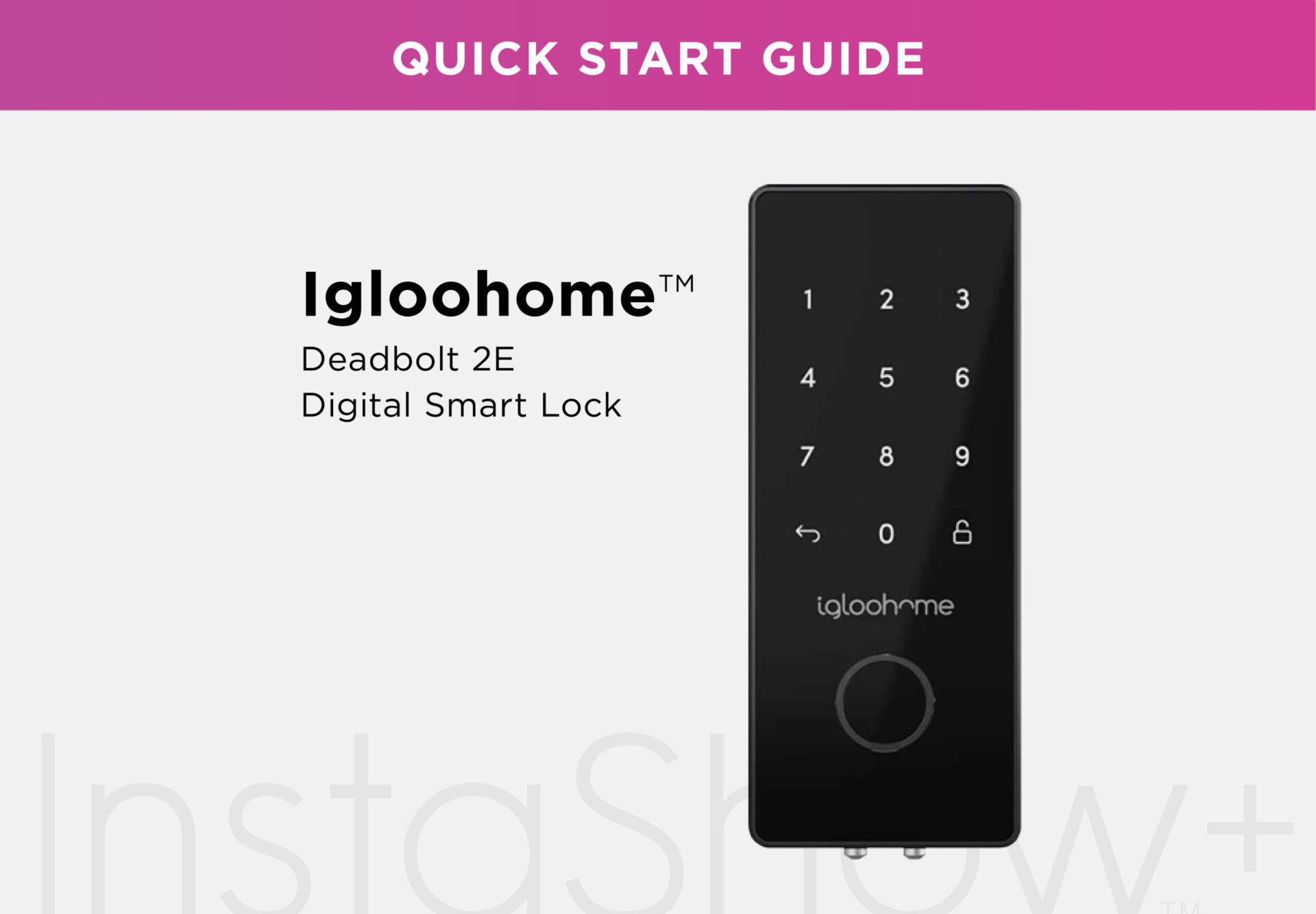
How to Connect Your Igloohome Deadbolt and InstaShow+: A Step-by-Step Guide
Follow our easy guide to set up your InstaShow+ with the Igloohome Deadbolt. From installation to testing, we’ll walk you through every step to get your lock ready for use.

How to Connect Your Igloohome Deadbolt and InstaShow+: A Step-by-Step Guide
Welcome to the InstaShow+ Igloohome Deadbolt Tutorial! Get your deadbolt ready with these easy steps, ensuring your lock is fully set up for a seamless experience.
Before starting:
Be sure to install the deadbolt by carefully following the instructions in the lockbox packaging.
Step 1: Install the InstaShow+ Sticker (Self-Tours Only)
For self-tours, place the InstaShow sticker on your front door. If you’re only offering traditional tours, skip this step and move to Step 2.
Step 2: Download the InstaShow+ App
Install the InstaShow+ app on your mobile device.
Step 3: Complete Registration & Verification
Open the app and complete your registration and verification process to get started.
Step 4: Access Settings
Navigate to the Settings section in the app.
Step 5: Add New Lock
Under the System section, select Locks and tap the “Add New Lock” button.
Step 6: Choose Your Lock Type
Select Igloohome Deadbolt as your lock manufacturer and Lock Box as the lock type.
Step 7: Locate the QR Code
Find the device ID QR code located on the front of your Igloohome deadbolt.
Step 8: Name Your Lock
Give your lock a unique nickname to help you identify it easily later.
Step 9: Scan the QR Code
Scan the QR code with the InstaShow+ app to link the lock.
Step 10: Add the Lock
Tap the “Add Lock” button to finish the setup.
Step 11: Test Your Lock
Install the batteries included with your lock and ensure your phone’s Bluetooth is turned on. Stand within 5 feet of the lock and tap the “Open Lock” button.
Step 12: Open the Lock
Follow the on-screen instructions to open your lock and confirm everything works as expected.
Conclusion
Once you’ve followed these steps, your Igloohome Deadbolt will be ready for use with InstaShow+. Enjoy hassle-free property tours and secure access management with ease!
Stay up to date
Get the latest articles delivered to your inbox





Maximize your day in real estate with InstaShow+
Download the InstaShow+ App
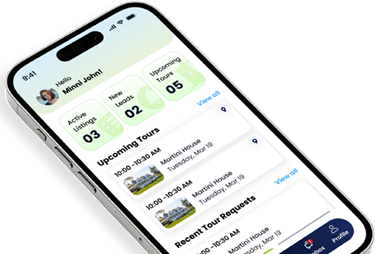
Find everything you need for buying, selling and renting property in the InstaShow+ App!